
Curious about the dark web? Or maybe you’re researching, evading surveillance, or just want to see what’s out there. Dark web sites live right under our daily browsing, but you won’t find it on Google Chrome. Those .onion addresses are encrypted, locked away from Safari and Firefox. You’ll need specialized dark web browsers, Tor being the most used.
Once you’re inside, though, finding anything gets tricky. One wrong click and you’ve stumbled into a corner you definitely didn’t mean to go. That’s where dark web search engines come in; they’re like your compass to finding .onion websites in a sea of chaos. But not all are created equal. Some are easier to use, some offer better privacy and security, and some just the right amount of everything.
To explore the dark web safely, a good dark web search engine is the right place to start. We’ve reviewed the best dark web search engines today in this guide so you can navigate the dark web without landing yourself in unnecessary trouble.
⚠️ Disclaimer – Stay Safe First
This article is for informational and educational purposes only. We don’t encourage illegal activity, and we’re not responsible for what you do with this information. Before accessing any .onion link using the search engines below,
always connect through a secure VPN first.
We recommend NordVPN —
it hides your traffic from your ISP and keeps your real IP address private.
🔒 Don’t skip this step. Protect yourself, then explore.
Best Dark Net Search Engines – Quick List
Just want a summary of what we found? No worries here’s a cheat sheet version of our best dark web search engines today list. Skim this, then circle back when you want the full story; trust me, the details matter down here:
- OnionFind: User-friendly, safe, and dependable search engine to use with the Tor Network. User safety takes priority over available links for beginners to the dark web to reference.
- DuckDuckGo: The well-known privacy-first search engine, which also runs an onion version so you can search the regular web anonymously from inside Tor.
- OnionLinks: A well-known dark web directory that has been around for years and has developed a very large index of links; if a link cannot be found from here, you probably won’t find it elsewhere.
- Ahmia: Open Source, responsible and filters out harmful or uncertain sites so it is safe for a beginner to enter the dark web.
- Recon: A niche platform with focus on tracking darknet markets and vendor reviews — more of an intelligence tool than a regular search engine.
- OnionWiki: Not the average search engine, but more like a crowd-sourced map of the dark net containing links moderated by the community itself and organized by category – great for getting your bearings.
- TorDex: Super modern, easy to use engine with a huge index that’s updated regularly — no dead old links.
- VormWeb: Makes search simple and it also features some privacy news and articles on dark web happenings, so you don’t feel totally out of the loop.
- Haystack: A platform that combines a search engine and community forum/chat combination to give you more than a list of results, ideal for those who want more than just a list of results.
- DarknetSearch: Fast, uncomplicated, lightweight search engine requiring no technical knowledge of how to get useful results with speed and ease.
- Bonus. Torch: Great for advanced users in the dark web market space. Provides market filtering features and has built-in vendor tracking that are more suited for experienced users.
What is the Dark Web? (and Why You Can’t Just Google It)

Let’s take a moment to clear up something first before we proceed to the main business. The internet comprises three different layers, the surface web, deep web, and the dark web.
Google, Safari, Bing, and other search engines like them are all tools for indexing content (news sites, ecommerce stores, etc.) in the surface web. The deep web, on the other hand, hosts all things Google and the likes can’t index (like your email inbox, private databases, banking portals, etc.). It’s perfectly legal and far larger in size than the surface web.
The dark web’s deliberately hidden, accessible only through special software like Tor. It’s where you’ll find privacy-focused versions of media sites like the BBC, ProPublica, even Facebook. However, Dark web sites don’t use the regular .org, .net, or .com most of us are used to. They use .onion addresses instead, and you can’t access them using standard browsers like Chrome.
Now, here’s why you can’t “just Google” a .onion site, by design dark web sites are meant to resist indexing to keep them out of sight. The creators don’t submit sitemaps, and the sites are often hosted on servers that rotate addresses. They exist on an overlay network (Tor’s onion routing) that traditional web crawlers can’t reach.
That’s why you have dark web search engines, and why they work in a different manner than Google. Instead of looking in the open web, they send your requests through the Tor network itself, finding and indexing .onion addresses from within. Though less complete, slower, and far more fragmented than surface web search, it’s the only way you can find anything in the corner of the internet deliberately built to stay hidden.
How Dark Web Search Engines Actually Crawl .Onion Sites

This is the part most guides tend to skip thinking it’s not necessary, but I tell you, understanding it is worth it. Standard search engine crawlers (looking at you Googlebot) visit sites sending out HTTP requests across the open internet. This kind of thing is futile on .onion sites because you can only reach those websites through Tor’s relay network.
Dark web search engines? They overcome this challenge by running their own Tor nodes or by simply just routing their crawlers through the Tor network directly. They conduct what we call ‘link analysis,’ that’s following links from sites they already know and by doing so discover new .onion addresses.
Also find new addresses through community submissions, and sometimes, by monitoring Tor’s hidden service directory. The hidden service directly is a partially observable list of active onion services that Tor relays maintain. So why does this matter to you as a user? It explains why you can see a complete index on any dark web search engine. Onion sites are often short-lived, live and active today, dead tomorrow, often without any notice.
When searching, remember that search engines don’t always have current or complete indexes. Knowing this before starting your search will prevent you from being disappointed when your search leads only to a dead end.
What These Onion Search Engines Actually Index

Dark web search engines often index forums and discussion boards where people chat anonymously, marketplaces (where you’d find both legal and illegal goods), platforms like SecureDrop for investigative journalists and whistleblowers. They also index privacy-focused services like encrypted emails and file sharing and leaked databases that hackers dump publicly on the dark web.
What they don’t index matters just as much. Private forums requiring registration fall outside their reach entirely. So do marketplaces that are strictly invite-only, closed Telegram channels, and fresh ‘credential dumps’ from infostealer malware, that material circulates through networks that no crawler can access. This means the results you get using a dark web search engine is only content that is publicly visible on the dark web, not the complete picture.
Why Dark Web Search Engines Matter
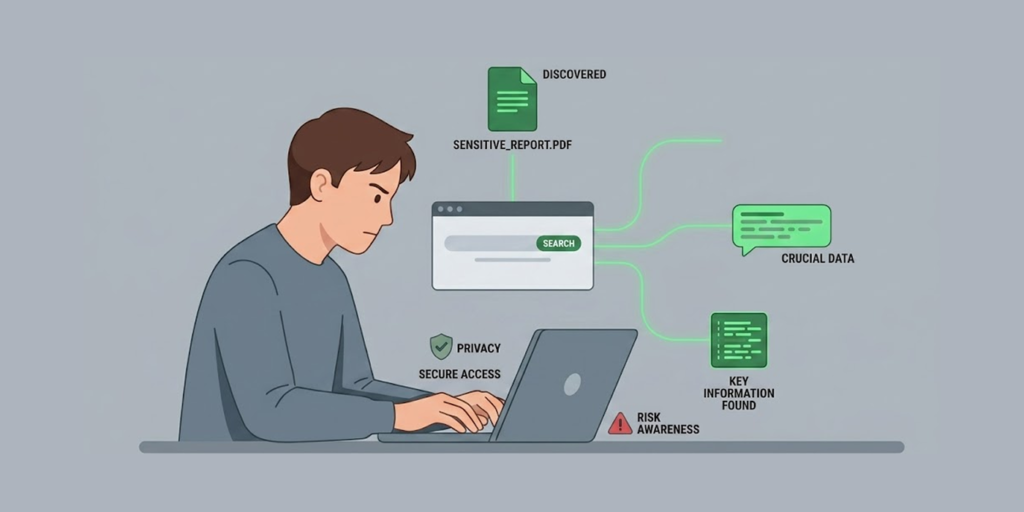
Dark web search engines offer much more than just a means of “finding” things in the dark net; let’s take a look into what this tool actually does rather than assuming that there is a way to access it. Here are two main examples of how these tools help users hide from their governments when using the dark side of the web:
Helping People Under Censorship Access the Internet
Being able to get around an oppressive government is not easy, so if you’re living in a country that blocks everything from news to social media content, the dark web can allow you to access a way to see the outside world.
However, you must use a search engine in order to be able to locate something at all on the dark web unless you have the .onion address for the site of your choice on hand already. You can’t imagine how frustrating it would be to navigate through the web as if there were no Google; you’d feel like an absolute idiot!
Accessing the dark web without a search engine would be like trying to navigate around in an enormous maze full of poorly made links and no point of reference.
Keeping You Anonymous While Surfing the Web
Search engines like Google and even the sites you visit can track your online usage, allowing them to create a profile based on your activity. They can then sell your information to advertisers. Even law enforcement can obtain information about your online activity by requesting it from your Internet Service Provider and Google (for example).
Thus, if you wish to keep what you are searching for private (as is often the case), then using DuckDuckGo’s Tor version or OnionFind would be the way to go. You may not be a criminal hiding from police, but if you’re researching sensitive health-related issues, legal issues, political views, or abuse recovery, you likely want to keep your searches private. No one wants to have ads for divorce attorneys following them everywhere online the whole week.
Supporting Security Research
There are many criminals on the dark web. It’s where hackers dump stolen credentials, sell hacking kits, and plan their next move. Security researchers use these search tools to sniff out stolen data, watch for new threats, and basically stay one step ahead of the bad guys.
Recon and Torch, those are the big names for this kind of work, and TorDex if you want a wider sweep of the chaos. Without these, good luck tracking what’s happening out there.
Educate Users to Clear Up Dark Web Myths
It’s not only illegal content that you’ll find on the dark web. It hosts privacy forums, resources for academic research, journalists trading info, people just trying to talk without their government watching them.
Search tools like VormWeb even throw in articles and resources to bust the myth that the dark web is all criminal activity. The search engines that bring this legit content up to the surface are helping people see the bigger picture, it’s not just crime, it’s also survival for some folks.
Content Guides and Community Discussion
Honestly, the best dark web search tools aren’t just mindless directories. The good ones (think Hidden Wiki-inspired platforms and the likes) do way more than roll out links.
They give the user structure map of the dark web together with forums where members share tips, flag scam and dangerous sites, and guidance on how to navigate the dark web online safely. That peer-to-peer layer?
On the dark web, it’s gold. Automated bots just can’t keep up with everything, but people on the ground? They know the real score. Especially if you’re new and flailing around, being able to ask “Hey, is this site legit or am I about to get robbed?” and actually get a straight answer from someone who’s been there? Huge. No search engine alone is gonna save you like that.
Risk Guidance and Navigation Limits When Using Hidden Internet Search Engines
Dark web search engines are basically compasses, not shields. They help you to find things, but they won’t protect you if your search lands you in the wrong places. Filtered engines like Ahmia or OnionFind try to reduce your exposure to harmful content by blocking known illegal sites.
But let’s be real, filters leak. There’s always some maniac posting new shady links faster than any system can illegal them. The unfiltered engines? They don’t even pretend, they just throw the whole mess at you uncensored and managing the risk is all on you.
That’s why you can’t just rely on the search engine and call it a day. Operational security isn’t optional here; it’s survival. Just because you’re using a ‘safe’ search tool doesn’t mean you shouldn’t be careful. It just gives you a better map, but you still need to watch where you step or you’ll end up in a digital ditch.
Best Dark Web Search Engines Today – Detailed List
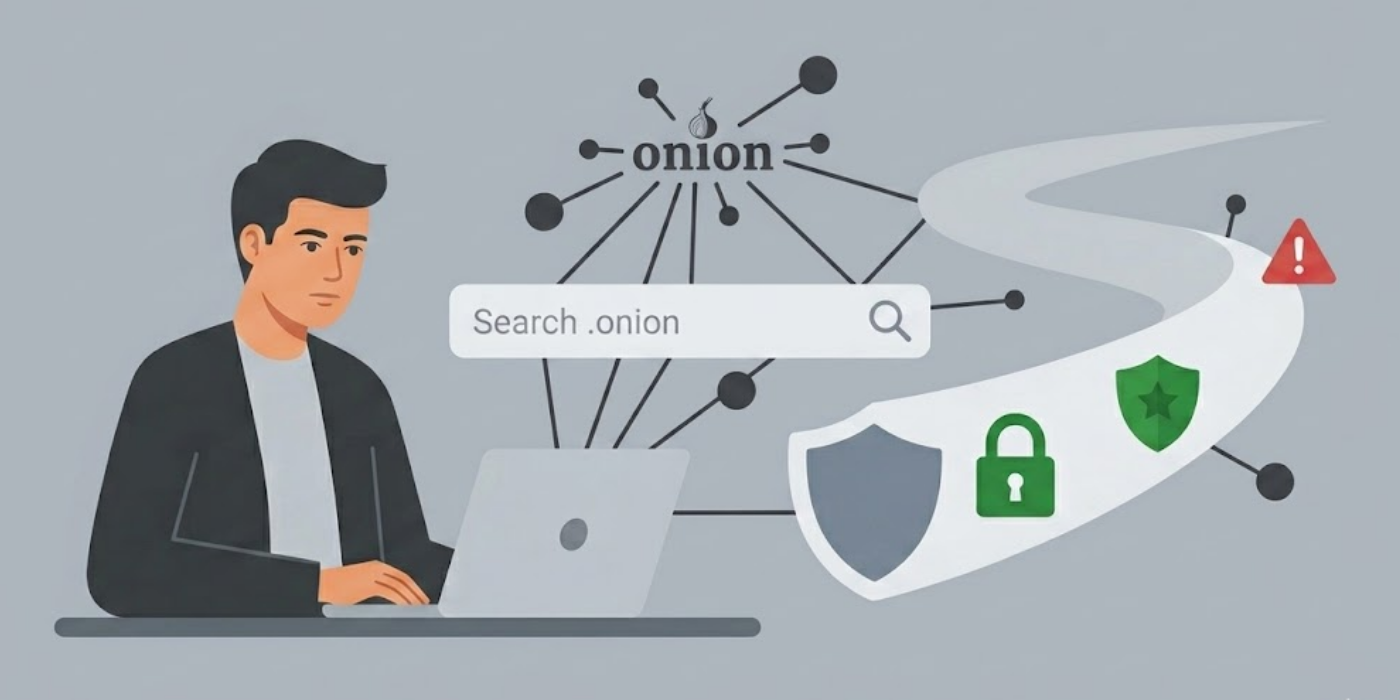
Now to the actual list. Let’s take a look at search engines that we actually trust to deliver. These ones survived our testing without crashing, leaking data or leading us into obvious scam sites. We ranked ‘em based on reliability, privacy, and how well they keep new users out of trouble:
1. OnionFind
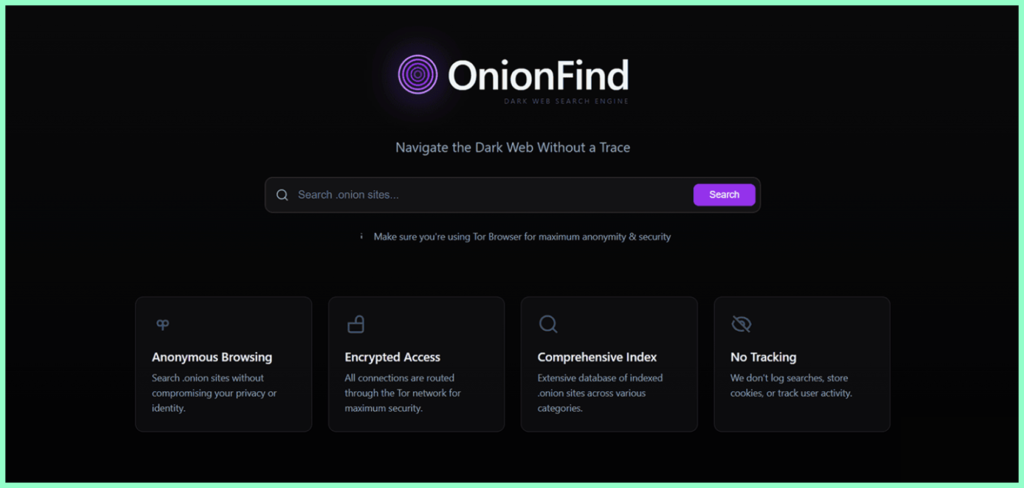
- Destination URL: onionfind.com
Most dark web search engines will serve you results that’ll haunt your dreams, but OnionFind isn’t like that. Sure, it crawls .onion sites like every other dark web search engine, but it actively scrubs out the harmful stuff. Like child exploitation material, obvious malware traps, the works. If any bad content happens to slip through, OnionFind will redirect the user to help resources instead of leaving them on their own. This capability makes it a breath of fresh air down here.
Searching with OnionFind is almost pleasant. The results actually match what you’re looking for. Spam is minimal, and you’re not constantly flinching, waiting for something awful to pop up. For new users especially, that peace of mind is everything.
The interface is dead simple, search bar, results, done. No clutter, no distractions. And here’s a nice touch: you can hit onionfind.com from a regular browser if you’re not ready to fire up Tor yet. Handy for window shopping before you go all the way in.
The catch? OnionFind’s curated index means you won’t find every weird niche corner of the dark web. If you’re hunting for obscure forums or some deep markets, this isn’t your tool. It’s for safe browsing, not broad exploration.
2. DuckDuckGo
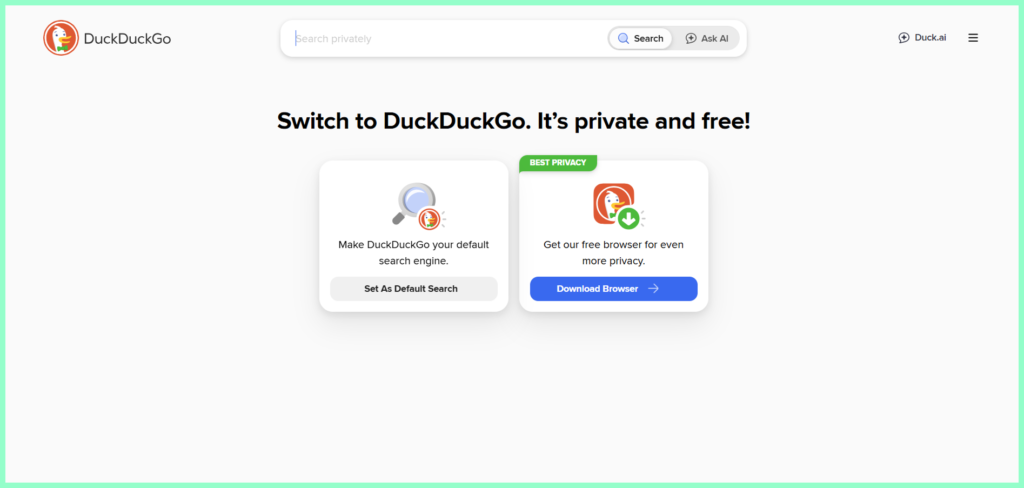
- Destination URL: duckduckgo.com
Let’s clear something up: DuckDuckGo’s .onion version doesn’t actually index .onion pages. It’s not a dark web search engine per se. What it really does is let you search the regular internet while staying inside the Tor network, so you’re anonymous, without anyone watching you or keeping logs of your activity.
Why does that even matter? Well, if you’re digging into something sensitive in Tor, you’ll probably need info from the regular web at some point. If you try using Google on Tor, your searches leave through Tor’s exit nodes, which means exit node operators might see what you’re looking up. DuckDuckGo’s .onion version keeps your searches locked inside the Tor network, so there’s no trace.
DuckDuckGo has stuck to its no-logs policy from the very beginning. Lots of so-called “privacy” tools popped up once privacy turned trendy, but DuckDuckGo’s got a long, solid history to back up its claims. And inside Tor, the interface looks just like what you’re used to on its regular web version. So you won’t spend time trying to figure it out.
Pair DuckDuckGo with any of the other engines on this list, rather than a replacement. It serves a different, and honestly, really important, purpose.
3. OnionLinks
- Destination URL: onionlinks.com
OnionLinks is another of our favorites; it’s one of the earliest dark web search engines to ever exist, and still in operation. That longtime existence means they’ve seen it all, years of experience translated into a very large .onion index. One of the largest might I add, with over a million indexed pages according to reports. Such depth is hard to beat for OG users with a wealth of experience who are hunting obscure or constantly jumping dark web sites.
But one bad news: OnionLinks doesn’t filter anything. Results are as raw as they come, windows into the dark web are unmoderated in its entirety. Meaning everything goes, legitimate or not legitimate, news mirrors, resources, and even links to places and things you have absolutely no business seeing.
If you’re a beginner, avoid OnionLink; it’s not the engine for you. And definitely shouldn’t be the first stop for someone who hasn’t yet gotten a grasp of what they’re getting into.
Good news. Speed-wise, OnionLinks will surprise you because it’s shockingly fast given the weight of the index it hosts. We didn’t detect any form of tracking or logging of queries, suggesting that OnionLinks tries to uphold the privacy-first ethos most dark web tools often claim. But for the fact that it’s an unfiltered engine there’ll always be a risk, there’s no guarantee the link won’t send you to an awful content.
OnionLinks makes sense if you’re a security researcher, journalist investigating something on the dark web, or an experienced user. Zero content filtering, high risk of harmful content and risky for unprepared users.
4. Ahmia

- Destination URL: ahmia.fi
Ahmia ‘s different. It’s got actual credentials, backing from the Tor Project (same folks that built Tor). They helped create Ahmia, and their goal is to let people find hidden services without ending up somewhere dangerous. You can even look at the code on GitHub, a level of transparency that’s hard to find in the dark web environment.
Sure, like OnionFind, Ahmia blocks harmful content. But what really sets it apart is its close ties to the Tor Project’s research and development teams. People have used Ahmia in academic studies about the dark web, and it tends to get updates alongside any changes in Tor. That kind of support makes a difference when you’re trying to figure out what you can actually trust in a place that’s, let’s be honest, pretty shady.
If you’re used to a regular search engine, Ahmia’s interface will feel immediately familiar because it functions and looks like any regular stripped-down, no frills search engine. Search results load about as fast as you’d expect on Tor, and they’re usually relevant to what you’re looking for.
The reality check? Ahmia’s index isn’t the biggest. You’ll miss some sites that pop up on unfiltered engines. But for researchers, students, journalists, or just curious minds who want to explore the dark web online without accidentally stumbling into the most dangerous corners, Ahmia’s the way to go.
5. Recon
- Destination URL: recon.com
Recon occupies a pretty unique niche. It’s purpose-built for indexing darknet markets, vendor profiles, product listings, and user reviews from a bunch of underground platforms all at once. So it’s more of a cross-market database than just a search engine. Instead of hunting through one marketplace at a time, it lets you search, compare, and track what’s happening across several dark web markets at once.
Law enforcement analysts will find Recon very helpful. Even journalists digging into illegal online trade, or a researcher studying the economics of underground markets work. Recon offers you a depth of information that regular dark web search engines can’t. You can track a vendor’s activity history across many different platforms, compare product listings, and monitor how these markets change over time.
Is there risk? Absolutely. Most of what Recon pulls in is illegal by default. Scams are everywhere in these markets, and whether it’s legal or ethical to use Recon really depends on your reasons. This is a tool built for professionals with clear, legitimate investigations in mind, not something for curious browsers or casual use.
6. OnionWiki
- Destination URL: onionwiki.com
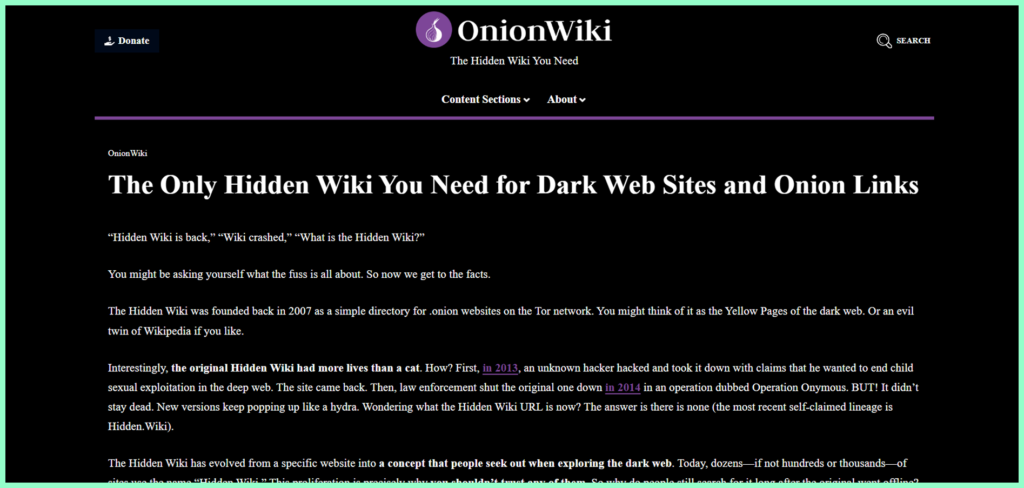
OnionWiki isn’t your typical search engine. It’s more like a community-built list of .onion links, sorted into categories. OnionWiki is like Yahoo! in its beginning days, a directory of sorts for the dark web.
When you start out using the dark web and do not even know what you want, it feels strange to be confronted with only a search box as a point to begin. OnionWiki makes it easier to understand how to use the dark web by providing a logical layout of the information found there.
The links are grouped by topic, checked over by people in the community, and they get updated now and then. That said, “regular updates” on the dark web doesn’t mean the same thing as it does elsewhere; links disappear all the time, no matter how much effort goes into maintaining the list. For a bit of background: OnionWiki takes its cue from The Hidden Wiki, one of the original and most famous dark web directories, but it’s been tweaked for today’s landscape.
The caveat? Directories like this aren’t perfect. They’re not designed to automatically find new sites like a true search engine would, they can go stale in the blink of an eye, and the community vetting isn’t foolproof. Once you know the ropes, quickly move to an actual search engine if you want to explore deeper.
7. TorDex
- Destination URL: tordex.com
TorDex really sets itself apart from older dark web search engines in a couple of big ways. Its index is huge and actually kept up to date, and the interface doesn’t look like something from the early days of the internet. Most dark web search tools still have the early 2000s look, but TorDex is different, clean, easy to use, and has an intuitive interface.
The search results are surprisingly broad. TorDex runs its own crawler, so it’s pulling in fresh sites all the time instead of just waiting for people to submit links. That means what you see when you search actually reflects what’s out there right now, not what was online six months ago. Searches come back fast too, well, as fast as Tor allows, and the results are laid out so you can actually scan through them without getting lost.
The Caveat? Like OnionLinks, TorDex doesn’t censor anything. Whatever you search for, it’s going to show you, both the things you didn’t want to find. This is the reality of using unfiltered search engines, and TorDex isn’t an exception. For experienced users who already know this and brace themselves for whatever comes along, TorDex is one of the most capable dark web search tools available.
8. VormWeb

- Destination URL: vormweb.de/en
VormWeb didn’t just pop up out of nowhere, it came from a bunch of privacy geeks who wanted more than just another empty search bar. It actually finds stuff when you type something and hit ‘SEARCH’.
Decent range of .onion sites sorted by category and actually do what they’re supposed to. Here’s the cherry on top though; VormWeb has a whole blog attached. In addition to the search function, there’s a blog and a news section focusing on online privacy, digital security, and latest happenings on the dark web.
New to the dark web? Reading their explainers alongside searching really helps. You’re not just staring at a pile of links, you’ll see what you’re looking at while at it. And honestly? For an unfiltered engine, this one’s surprisingly navigable. The interface is simple, and those filters keep you from drowning in useless results.
Code’s open-source, which matters down here. You can actually peek under the hood if you’re suspicious or just curious. Those folks, in particular, seem to like VormWeb’s filtering tools, they make it much easier to find what actually matters.
9. Haystack

- Destination URL: haystacksearch.org
Haystack is different. Like ,almost not a search engine, more of a community hub, maybe. Sure, there’s search, but there’s also a forum. And chat rooms, and even some human-curated link lists. It’s messy, but in a good way. Poking around and in need of advice? Haystack’s where you ask. Wondering what communities are down there? Someone in the forums probably knows.
The search itself works pretty well, but it doesn’t cover as much ground as TorDex or OnionLinks. Still, the real value comes from the people. Users are always sharing new or interesting .onion sites in the forums, often finding stuff that automated crawlers just miss.
It’s slow, like painfully slow, even for Tor. And that lag can get annoying if you’re after quick results. Bottom line? If you’re new and want guidance, Haystach’s your spot, but just pack some patience.
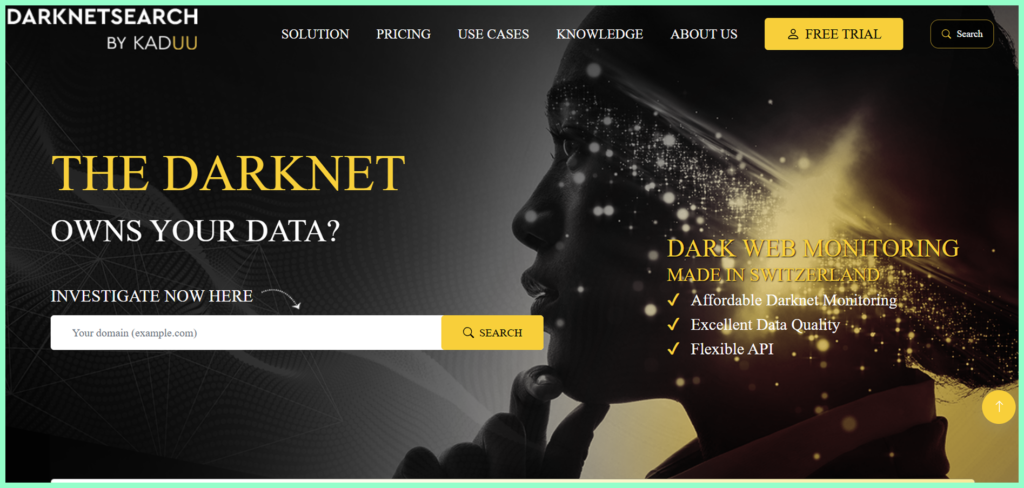
10. DarknetSearch
- Destination URL: darknetsearch.com
DarknetSearch keeps things simple. Search bar. Type. Results. That’s literally it. And for a lot of users, that’s all they need.
The interface’s minimal, like someone built it in ten minutes. And truthfully? That’s perfect. Completely intuitive, nothing to figure out. The database itself isn’t massive, but it has a broad enough index to find you exactly what you’re looking for most of the time. Plus, it’s fast, which matters when every click on Tor takes the scenic route through three countries.
You won’t find community forums, news updates, or fancy filters here. Instead, you get something that just works. Know exactly what you’re after? Just want to get there fast and get out? DarknetSearch is the one to keep handy.
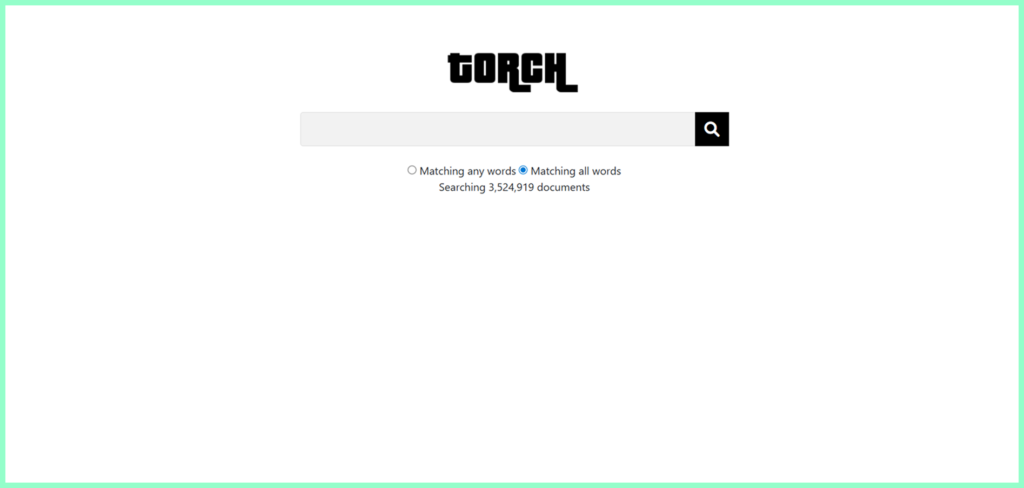
11. Bonus: Torch
- Destination URL: torchsearch.org
Torch is among the oldest search engines on the dark web, and it’s improved considerably from how it was in its early days. Today it’s no longer just a basic .onion directory, it ‘s now more like a specialized dark web market intelligence platform. It indexes vast numbers of vendor profiles, product listings, and forum discussions across the darknet economy, and it has filtering options that let you sort by price, shipping origin, and market platform.
One notable feature that sets Torch apart is the Bitcoin mixer integration. This capability adds an extra layer of financial privacy for users doing transactions on dark web online stores, more than what you’d find in a standard dark web search engine.
Torch has built a reputation as one of the tools people who are into advanced dark web market activity love to use. But this same capability makes it one of the riskier tools on this list if you use it without understanding very well what you’re getting into.
Torch is not a beginner’s tool. The sites it indexes come with some serious legal, ethical, and safety risks. For seasoned researchers, journalists, or security professionals that do legitimate probing into darknet markets, Torch packs a punch. But for regular folks, stick with Ahmia or OnionFind at first, then go for something this advanced after you’ve gotten some real experience.
Comparison Table of the Best Dark Web Search Engines
Below we put each search engine side by side to help you see how they compare so you can easily make your choice without thinking too much:
| Search engine | Best for | Index size | Filters sketchy stuff? | Price? |
|---|---|---|---|---|
| OnionFind | Beginners, safe browsing | Medium | Yes | Free |
| DuckDuckGo | Anonymous surface web search via Tor | Surface web | N/A | Free |
| OnionLinks | Veteran users, massive index | Very large | No | Free |
| Ahmia | New users, open source transparency | Medium | Yes | Free |
| Recon | Market research, threat intelligence | Large (markets) | N/A | Free |
| OnionWiki | Complete beginners, link discovery | Small | Partial | Free |
| TorDex | Power users, large fresh index | Very large | No | Free |
| VormWeb | Search + privacy news, general use | Medium | No | Free |
| Haystack | Community + search | Small | No | Free |
| DarknetSearch | Fast, simple, no-frills search | Medium | No | Free |
Which Dark Web Search Engine Should You Use?
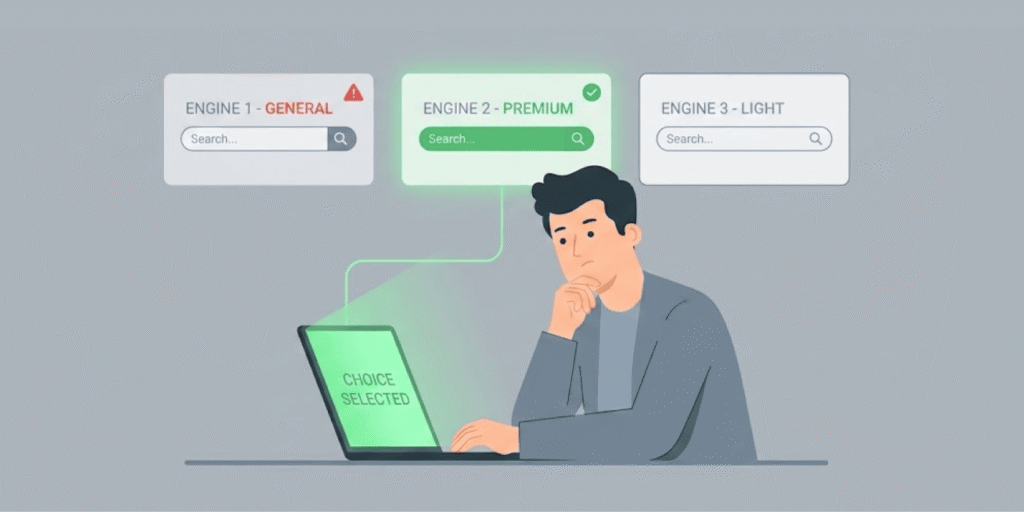
Making up your mind when there’s so many options staring right back at you can be daunting, I know. People don’t always have the same reasons to be searching through the dark web, and not every search engine is going to meet your specific needs. So before picking just any engine, here’s what you should consider first:
- New to searching the dark web? Just hit up OnionFind or Ahmia first. They cut out most of the sketchy content, the layouts won’t make your eyes bleed, and it’s honestly the closest thing to “training wheels” you’ll get down there. When you become familiar with the dark web landscape and no longer panic about every strange onion link you see, you may begin experimenting with more complex tools to probably enter the mad corners.
- If you like learning how things work before going into it fully, try OnionWiki first. It serves as a resource to help users learn about dark web sites. Everything is organized like a phonebook so you can search without wasting time searching through thousands of pointless pages.
- Trying to stay anonymous while searching the regular internet when you’re on Tor? DuckDuckGo’s .onion site has your back. Use it alongside whatever dark web search tool you’re using, they serve different purposes, trust me.
- Experienced user who wants the full, uncensored experience? TorDex or OnionLinks your go-to – more indexes with the fewest restrictions, but be prepared to stumble upon disturbing things you probably didn’t bargain for.
- For those carrying out dark web market research or seeking threat intelligence, Recon or Torch are specialized for that kind of work. But, heads up, things can get murky fast because these tools come with some legal and ethical complexity, so don’t use them unless you know exactly what you’re doing.
- If you want search plus community interaction. Haystack fills that gap. It can be really slow sometimes, but if you want tips or recommendations from other users instead of just a pile of search results, make it your go-to. Sometimes the community is more useful than the search result itself.
Limitations of Dark Web Search Engines
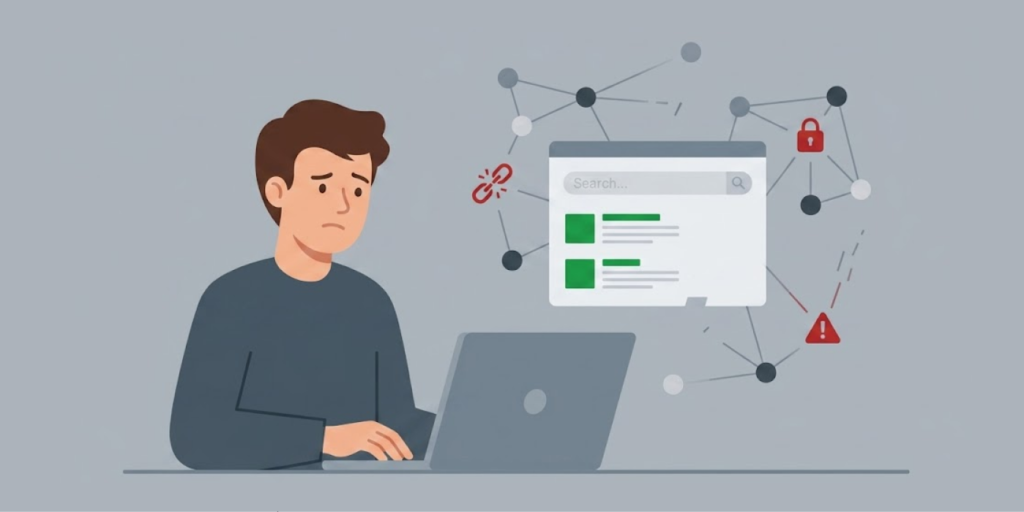
Dark web search engines are useful, but they also have where they fall short, especially when it comes to security or doing research. Here’s some of their limitations:
- These engines only crawl what’s on public .onion sites. They can’t index marketplaces where you need an invite to access, private forums, and places you need a password to enter. And these places are where the most criminal activity happens.
- Want to get real-time info on credential leaks. These search tools miss those. Infostealing malware gets into a device and snags someone’s login details almost on a daily basis. A recent data breach investigation report by Verizon revealed that 30% of systems infostealers infiltrated were enterprise devices. Those credentials immediately go straight to criminals directly, not on any publicly indexable website. By the time they eventually show up where a search engine can find them, the bad actors have already used them.
- Can’t see what’s on Telegram or Discord. Many criminals announce breaches, buy and sell stolen credentials, and plan attacks on closed discord servers & Telegram channels. These platforms are not related to the Tor network, so dark web search engines can’t see what’s going on there.
- Only provide point-in-time, not continuous coverage. Manual searching with a dark web search engine only provides you with what’s available at the moment. Between your last search and your next search, some breaches and data leaks have already happened, and you’d miss that alert. Why? Because these engines aren’t equipped for that scope of work. They don’t do monitoring or alerting, you’re only getting whatever you looked up when you happen to look.
- They won’t integrate with your security tools. You’d have to review the results yourself and act on it manually. No funneling findings into a SIEM, no auto password resets, or generation of incident tickets from the search result. You have to be hands-on to decide what to do by yourself.
For regular folks and normal researchers, this isn’t so bad; they can probably manage it. But for those in security teams where real-time, automated coverage of private dark web sources and dark web monitoring is crucial, these gaps are a dealbreaker.
Risks You Need to Take Seriously While Using Dark Web Search Engines
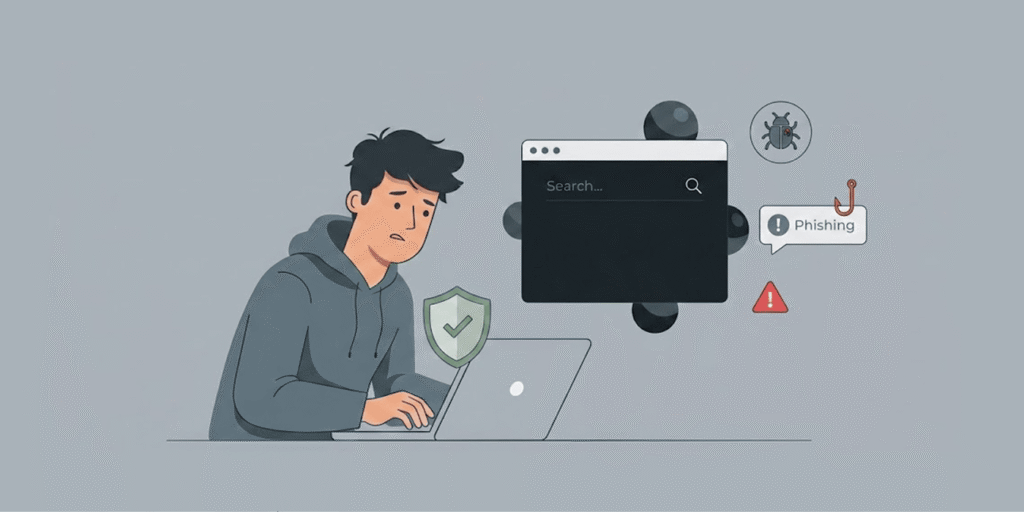
Let’s not sugarcoat it, there are real risks, and they’re not just “internet boogeyman” stories:
- Malware and phishing: Some .onion sites are straight-up traps. A search result might lead you to a legit-looking site designed to slip in malware into your system or steal your credentials. Click the wrong link, either knowingly or knowingly, and trouble shows up faster than you think.
- Disturbing & illegal content: Even search engines that try to filter stuff aren’t always perfect; bad content can slip in sometimes. Unfiltered ones? They’ll show you things you wish you could unsee, and it might actually be illegal to even look at it, depending on where you live.
- Scams everywhere: The dark web is like the Wild West but with more Bitcoin theft. Marketplaces that look legit? Half of them are fake. If you’re buying anything, odds are pretty solid you’ll get ripped off.
- Legal headaches: Just browsing? That’s usually fine, unless you stumble into something your country says is criminal (and some countries are super strict). Mistakenly clicking on the wrong link can get you in trouble.
- Government surveillance: Tor is very helpful in protecting your privacy, but it won’t take away the risk of the government monitoring you. Some law enforcement agencies are all over the dark web, watching. If you mess up, your real identity might leak, and fixing that is…well, nearly impossible.
- Dead links and link rot: Sites vanish all the time. Search results are littered with pages that don’t work or have been taken over by scammers. Get used to the “404” life.
So yes, dark web search engines are super useful, but don’t go in thinking it’s just edgy Google. The dark web’s a different planet with its own rules, and many of them aren’t friendly at all.
Common Dark Web Search Engine Problems and Fixes

Here’s some issues you might encounter when using dark web search engines and what to do about it:
Problem: “I keep seeing ‘Connection Timed Out’ errors everywhere.”
Fix: Either the site’s straight-up dead, or Tor’s crawling like a snail. Try selecting the “New Tor Circuit for this Site” option in the Tor Browser menu. Still nothing? The site’s probably down.
Problem: “All my search results are garbage full of spam, malware, sketchy sites.”
Fix: Time to ditch your current search engine. Ahmia or OnionFine are better, they actually try to keep out the trash. And throw in uBlock Origin on your Tor Browser; it’s free, and it’ll save you from landing on those nasty malware domains.
Problem: “Why do Hidden Wiki links keep sending me to scammy junk?”
Fix: Don’t trust Hidden Wiki as your main source. It’s like the wild west out there. Double-check links with Dread (think Reddit but darker and a little more suspicious). People there will usually flag the legit links, so it’s less of a crapshoot.
How to Safely Access the Dark Web
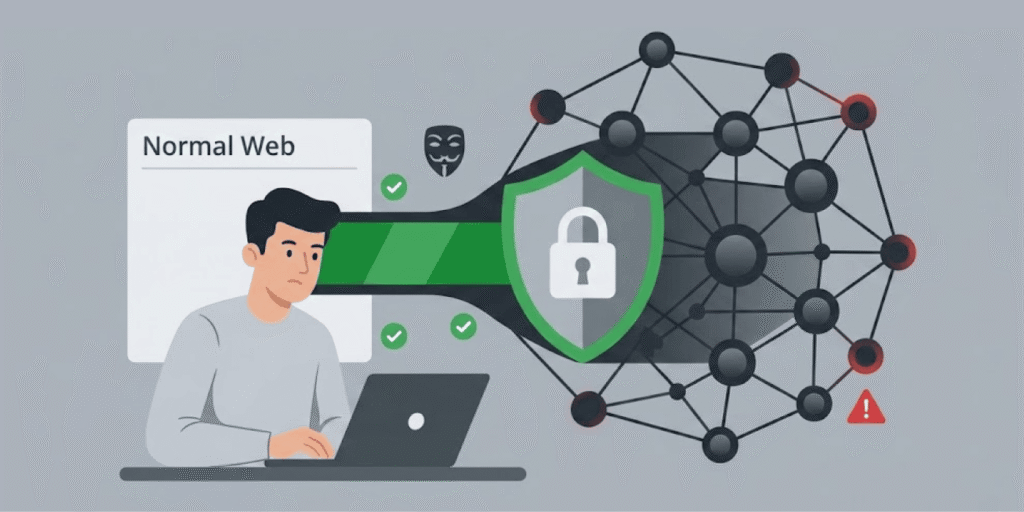
Before we talk about the top dark web search engines today list, it’s imperative you know how to get there safely. Skipping this step is tantamount to you getting tracked or exposed to really dangerous content. So want to avoid your ISP tracking your use of Tor or anyone knowing you’re accessing the dark web? Here’s how smart users go about it:
Step 1: Start by Getting a Trustworthy VPN
Before connecting your dark web browser, connect first to a good VPN. This isn’t just about hiding your location, a VPN scrambles your internet traffic and keeps your real IP out of sight from your internet provider, the government, or anyone else snooping around.
Without it, your ISP can tell you’re using Tor, even if they can’t peek inside. In some places, that’s enough to get you noticed, and not in a good way. Go with a paid VPN from a company you trust. But I must warn you, avoid free VPNs, most of them keep logs of your activity, and you don’t want that. Be certain you’ve connected your VPN BEFORE you open Tor, NOT after.
Step 2: Grab the Tor Browser
If you’re heading for .onion sites, you need the Tor browser. It’s built for the dark web. When you use it, your traffic bounces through at least three different volunteers’ servers, people call them nodes.
Each time your data jumps, it gets encrypted again. No single node knows both who you are and what you’re looking at. That’s what keeps you anonymous. If you’re downloading Tor, let it be from the official site, torproject.org. Don’t risk some sketchy, tampered version.
Step 3: Crank Security Up to “Safest” Before You Do Anything
Open up Tor, then go into Security Settings (click the little shield icon), and select “Safest.” This will disable JavaScript and a bunch of other features that hackers use to track you down, or get potential virus programs on your computer.
Most likely, you’ll have trouble accessing some websites or they’ll look really messed up, but trust me, when you’re on the dark web it’s well worth it for the extra security.
Step 4: Minimize Browser Features
Avoid installing too many add-ons, things like browser extensions. If you already added them, disable them. Each extension you add may have security holes and will also increase your fingerprint, and you don’t want such. Tor Browser developers made the default configuration to be minimal for a reason.
Step 5: Stick to Basic OpSec
Do not use your actual name or real email address on the dark web, and do not log into accounts that are connected to you in real life. When you’re setting any account on a .onion site use long, random passwords that’s not associated with any of your other accounts.
Downloading files? Just don’t, malware is everywhere down there. Be cautious with every link you click on. It could be a trap or could lead to a setup. And importantly, desist from sharing your personal details on dark web forums, even if it’s a legitimate forum.
You can also check out the Electronic Frontier Foundation (EFF’s) Surveillance Self-Defense Guide for more information on how to keep yourself safe. This resource is completely free and if you are a journalist, activist or researcher, it will help build strong operational security habits.
Step 6: Verify .Onion Links from Trusted Sources
Phishing is a common thing on the dark web and attackers achieve it by setting up fake versions or mirrors of popular sites. When you click the link, they’ll direct you to those fake sites, probably steal your credentials and scam you. Verify that a .onion link is the real and legit one before clicking it or dropping your info.
You do not want to fall into the fake site traps scammer set because you were in too much of a hurry to pay attention. Find a trusted source to make sure it’s legit, don’t just trust some random Reddit comment, and once you know a site’s real? Bookmark it. Saves you the hassle (and risk) of hunting it down again later.
Conclusion
Each of the platforms that made it to our best dark web search engines list have areas where they excel. No single search tool can cover all your requirements, you just have to take a moment to determine what actually matters most to you. If you’re just starting out your dark web exploration, then OnionFind and Ahmia are the safest you can get for bouncing out malicious content.
But if you’ve packed up good experience navigating the murky waters of the dark web or you’re a researcher needing raw, broader access, OnionLinks or TorDex have the depth you need. For market intel and threat research, Torch and Recon are unbeatable, though they have their own risks.
Whatever engine you decide to settle for, the basics remain unchanged. Use a reputable VPN, tune Tor to “safest”, make OpSec a part of you, and try not to download anything you’re not sure of its source or safety. Accessing the dark web is riskier than any other part of the internet due to the anonymity. However, using common sense will get you in and out safely.
FAQs
No, Google and Bing are strictly for the surface web, like the regular sites on the internet we all scroll every day. You access the dark web by using .onion URLs (which your standard browser will not allow you to access), and you must use the Tor browser or any other good dark web browser that routes your request through multiple relays.
Usually not, at least if you’re somewhere with, you know, basic freedoms. You may not face any consequences from just doing normal browsing or searching. But what you do down there, like buying banned or illegal items or downloading/sharing illicit content) is what’ll put you in legal trouble. Rules for accessing the dark web aren’t the same in every country, so you want to do your research about the laws in your locality before venturing in.
All the dark web search engines we reviewed are free to use at no cost. OnionFind, Ahmia, those are solid picks, and they don’t charge you a dime. Plus, they try to keep things a bit safer with some content filtering. You won’t have to cough up cash to use them.
A directory is basically a manual or community-maintained list of links, usually sorted by category. The index is usually static and can stale pretty quickly. A search engine, meanwhile, crawls around and updates itself, so you can actually hunt for new stuff and find specifics. If you’re just exploring, a directory is chill. Search engines win when it comes to finding specific content or new sites, directories excel best for just orientation.
Some, like OnionFind or Ahmia, actually have clearnet versions you can visit with your normal browser. However, there’s a catch: using the clearnet version won’t give you access to .onion sites or the actual dark web. It searches for you and let you take a peek at the links, but to click through the actual .onion link is a no no without Tor. For real dark web access, you need Tor.