
The FIFA World Cup 2026 is set to be the biggest tournament in the competition’s history, bringing together 48 national teams and millions of football fans from around the world. As the excitement builds, many viewers are looking for ways to watch every match live without paying expensive subscription fees.
The good news is that several countries will broadcast World Cup matches for free through official TV channels and streaming platforms. However, viewing options vary by region, with some broadcasters offering complete tournament coverage while others only show selected games.
In this guide, you’ll discover where to watch the FIFA World Cup 2026 for free in different countries, including official broadcasters, free streaming services, and regional viewing options. We’ll also explain how to access free World Cup streams while traveling abroad, ensuring you don’t miss a single goal, upset, or championship moment.
How to Use a VPN to Watch the FIFA World Cup for Free from Anywhere
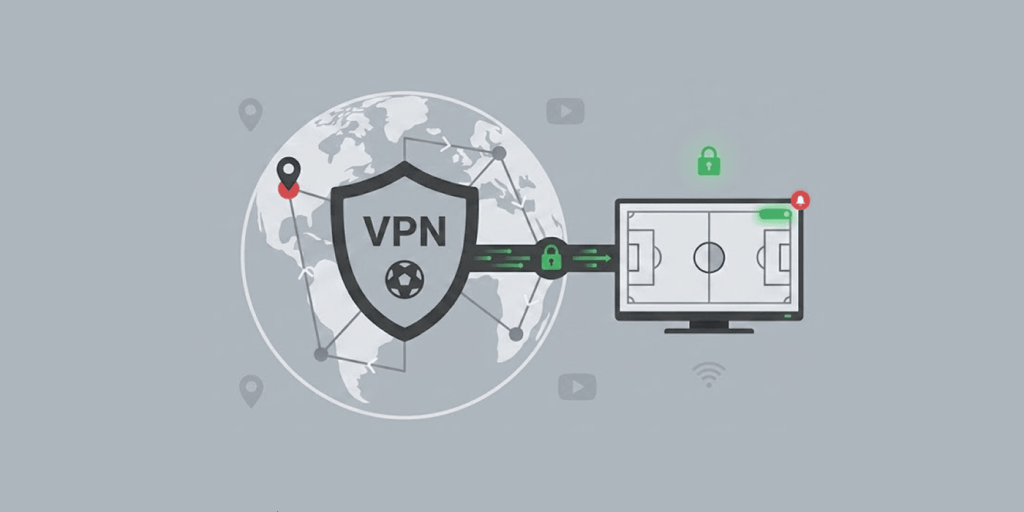
A lot of official broadcasting channels across the globe will be streaming the FIFA World Cup 2026 free. However, these services have restrictions on specific locations and countries.
When travelling or living in a particular region without free coverage, using a virtual private network (VPN) can help you in accessing your best streaming network.
Following the simple steps below will help you in watching world cup 2026 using a VPN:
1. Choose a Reliable VPN
Search for a legitimate VPN provider that has a fast speed and servers in countries like Australia, Belgium or the United Kingdom because they offer free World Cup streams and are very reliable. We recommend NordVPN as it has it all.
2. Install the VPN App
The installation and downloading of a VPN app on your device is very necessary and convenient. Most service providers support tablets, computers, smart TVs, and Smartphones.
3. Connect to a Server
Open the VPN app on your device and connect to a server in the country of your choice where there are available free streaming services. For instance, if you connect to a server in the UK, you can access BBC iPlayer or ITVX.
4. Streaming Platform Registration
Some streaming platforms allow you to watch their content without signing up and for many others, it is necessary. Depending on the streaming platform you visit, sign up to their app or website before viewing commences.
5. Start Watching
You can start enjoying live World Cup 2026 matches via the platform`s free coverage as long as you comply and meet up with their terms and local conditions.
The FIFA World Cup 2026 Schedule
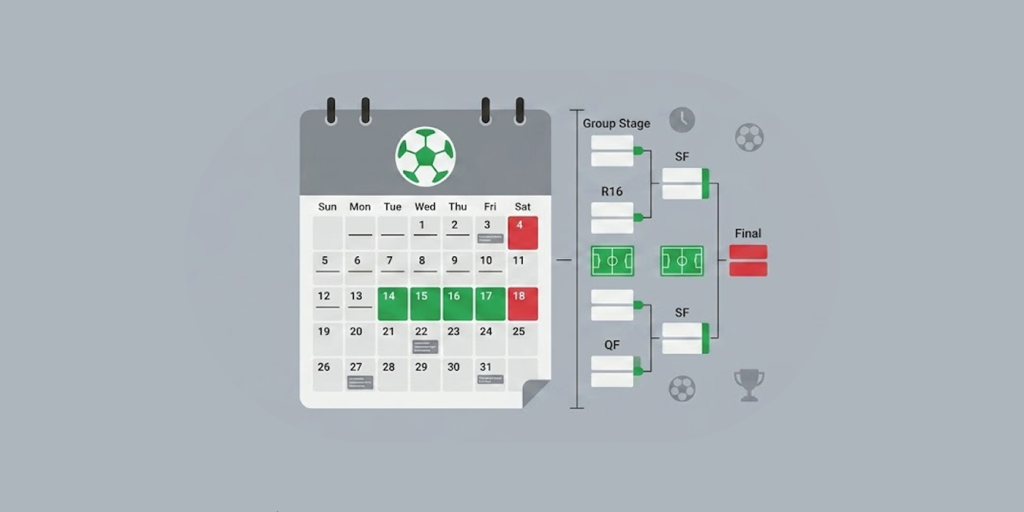
The FIFA World Cup 2026 promises to be the largest edition of the tournament ever held. For the first time in World Cup history, 48 teams will battle it out across 104 matches, giving fans more games, bigger storylines, and even more unforgettable moments to enjoy.
Co-hosted by the United States, Canada, and Mexico, the tournament begins on June 11, 2026, and concludes with the final on July 19, 2026. With matches spread across numerous cities and iconic stadiums throughout North America, football fans can expect more than a month of world-class action from kickoff to the championship match.
Here’s a quick breakdown of the FIFA World Cup 2026 schedule:
- Group stage: June 11–27, 2026
- Round of 32: June 28–July 3, 2026
- Round of 16: July 4–7, 2026
- Quarter-finals: July 9–11, 2026
- Semi-finals: July 14–15, 2026
- Third-place match: July 18, 2026
- Final: July 19, 2026
Where to Stream the FIFA World Cup for Free in Different Countries
Lots of football fans are searching for free access to the FIFA World Cup and can leverage on the several official broadcasting channels across the globe. Though availability is not the same in different countries, many national networks offer complete tournament coverage to their citizens at no charge.
These broadcasters give some of the best ways you can use to enjoy the FIFA World Cup 2026 live streaming without paying anything. And because of geo-blocks in certain countries, viewers going to other countries may need a VPN to reach the streaming services of their home country.
Check under for every confirmed free service, what makes it stand out, and which language it broadcasts in:
| Country | Free streaming service | Why it stands out | Commentary language |
|---|---|---|---|
| Australia | SBS & SBS On Demand | Broadcasts all World Cup matches for free | English |
| Belgium | RTBF Auvio plus VRT MAX | Complete free tournament coverage | French and Dutch |
| Brazil | CazéTV via YouTube | Streams every match free on YouTube | Portuguese |
| Netherlands | NOS | Full tournament coverage | Dutch |
| Poland | TVP Sport | Offers all matches at no cost | Polish |
| Switzerland | Play SRF, Play RSI, Play RTS | Covers the entire tournament across regions | German, Italian, French |
| Türkiye | TRT World and tabii | Free access to every World Cup match | Turkish |
| UK | BBC iPlayer and ITVX | Shared coverage of the full tournament between BBC and ITV | English |
Looking for free sports streaming beyond the World Cup? Our guide to the best free sports streaming sites covers top platforms for watching football, basketball, baseball, and more year-round.
Can you Watch the FIFA World Cup for Free on YouTube?
Watching FIFA world cup 2026 matches for free on YouTube is very possible, and enjoying its services fully depends solely on your particular country and region of residence.
Some official broadcasting firms have secured streaming rights from YouTube to air FIFA world cup 2026 matches directly. These actions make it a legal and accessible option for fans residing in specific countries.
For example, Brazil’s Caze TV only streams a few World Cup matches for free on YouTube, while on the side of Portugal`s LiveModeTV, they provide official coverage to their region through the platform.
Suffice it to say, being on YouTube does not imply the streaming content is available across the globe. Broadcasting rights still apply, and most streams are accessible to viewers only in countries that secured approval from YouTube.
As such, users or viewers outside the regions (who are not in their list) may not be able to access FIFA World Cup 2026 matches.
In a nutshell, YouTube is a reliable source for free World Cup 2026 streaming channel, yet access to the channel depends solely on regional broadcasting rights and location restrictions set by the FIFA World Cup 2026 official partners.
How to Watch the FIFA World Cup on any Device for Free
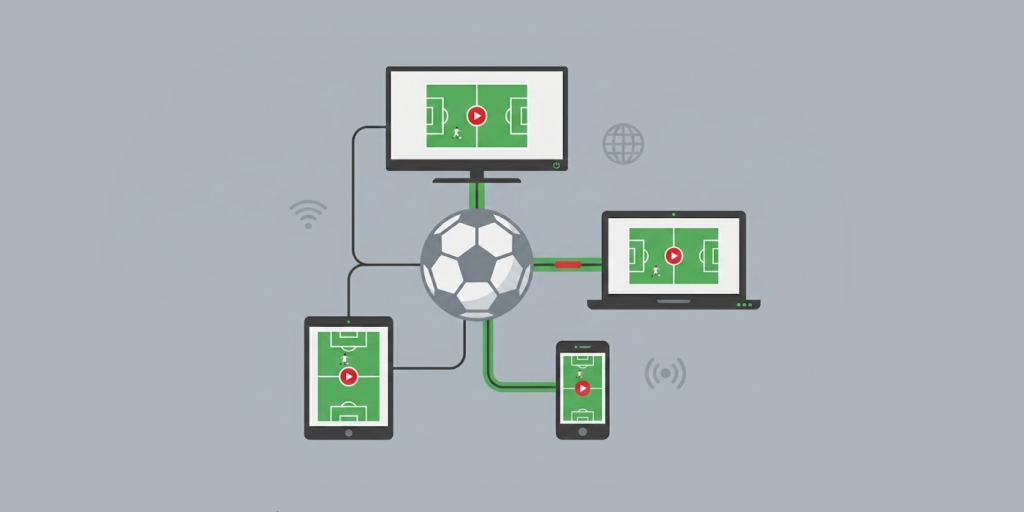
Streaming and watching the FIFA World Cup 2026 is much easier now; the reason many broadcasting networks offer free viewing access across lots of devices. However, the best way to enjoy the FIFA World Cup for free online is to use a streaming-compatible device to watch.
Below is a guide on how to watch the tournament, leveraging the different devices at your disposal:
Windows and Mac Computers (Best Option)
This device is the most reliable approach on how to watch world cup 2026 if you are using a computer system.
- Best method: Ensure you access your broadcaster network using a web browser.
- VPN difficulty: Very simple
- Why it works: Supports VPN usage; afterward, you connect to your preferred country that has free coverage and supports streaming the FIFA World Cup 2026.
This device is the best recommendation for those looking for where to watch the World Cup for free in 2026.
iPhone and iPad (iOS Devices)
The Apple devices also support hitchfree streaming experience but this also comes with some restrictions to the users.
- Best method: Use Safari browser, broadcasting app, or YouTube.
- VPN difficulty: Easy
In case you may be travelling during the FIFA World Cup 2026 and you want to stream on-the-go, just use a mobile browser.
Android Phones and Tablets
Very flexible and easy to use platform when streaming FIFA world cup 2026
- Best method: Apps, browser, or YouTube streams
- VPN difficulty: Simple
- Why it stands out: Installation of VPN apps is directly on the device and the set up is not hectic.
For android users there is not much hitch in viewing FIFA world cup 2026 live streaming. Some apps may require location permission. Make sure your VPN is active before accessing the streaming platform.
Fire TV, Android TV, and Google TV
If you have interest in big screen viewing, these smart TVs are the best option for you.
- Best method: Native apps or YouTube
- VPN difficulty: Moderation is easy
- Why it works: VPN apps install directly into the device and do not much protocol.
This is the best option for viewers who prefer viewing the FIFA world 2026 event without much eye strain.
Apple TV
If you care for good performance while watching the FIFA world cup 2026 for free, Apple TV is the best recommendation but it requires set up.
- Best method: Apps, YouTube, or AirPlay
- VPN difficulty: Easy
- How it works: Stream using mirror content from iPad, Mac, or iPhone, and you can as well connect directly.
Smart TVs such as Hisense, LG, Samsung, etc.
Compatibility in smart TVs is not entirely the same.
- Best method: Apps, casting, HDMI connection, or YouTube
- VPN difficulty: Easy
- Key limitation: A lot of Smart TVs that are not Android don’t support VPN apps.
If apps are unavailable, users can stream on a laptop and connect it to a Smart TV using an HDMI cable.
Chromecast Devices
Their operations are quite different from other streaming devices.
- Best method: Router-level VPN and screen casting
- VPN difficulty: Moderate
- Challenge: Standard Chromecast does not support VPN apps
To experience a hit-free and zero-restriction viewing FIFA world cup 2026, live stream while using Chromecast devices. Google TV serves as the best alternative since it supports engaging apps directly.
PlayStation and Xbox Consoles
The challenge with gaming consoles is that their streaming flexibility has limits they can serve.
- Best method: YouTube or supported apps
- VPN difficulty: Limited
- Usage: Best for YouTube-based free streams only
Gaming consoles are not advisable for streaming the FIFA World Cup 2026, but they can still serve for a few official broadcasts.
Why Do You Need a VPN to Stream the 2026 FIFA World Cup
Many of the best streaming channels and services will only be available in a few specific countries and regions.
For people on the move or in countries with strict streaming rules, a VPN can help access FIFA World Cup 2026 streams.
- Access free international streams: With the aid of a VPN you can easily make connections to countries that offer free world cup coverage and this will be a great assistance to finding where to watch the world cup for free online.
- Bypass geo-restrictions: There are restrictions from many broadcasters of the FIFA World Cup 2026 and it is tied to location. With the aid of a VPN, you can easily change your virtual address. This makes it easy for you to access FIFA World Cup 2026 live streaming services available in regions outside your jurisdiction.
- Watch while traveling: In case you are abroad or on transit during the tournament period, a VPN can be a great assistance to you in accessing your country’s streaming service without hitches.
- Maintain privacy online: When you are streaming online, a VPN hides your internet connection, thereby assisting to protect your personal details from surfacing on public domain while streaming.
- Enjoying consistent coverage: With the help of VPN, you access only consistent, reliable and official broadcasting all through the tournament period.
- Expand your viewing options: VPN also helps you in having multiple choices of the platforms and location to stream the FIFA 2026 World Cup without experiencing breach in language or commentary barriers.
For fans wanting more football content, our guide to the best free live football streaming sites lists top platforms for catching matches from the Premier League, Champions League, and other competitions.
Best VPN for Football & World Cup Streaming: NordVPN
On the lookout for where to watch the FIFA World Cup for free or have good access to the FIFA live streaming while on transit, choosing the correct VPN is paramount.
There are so many VPN providers notable among football fans because they offer reliable connections, extensive server networks, and fast speeds of browsing. The above features are crucial, especially when accessing the FIFA World Cup 2026 live streaming.
NordVPN is one of the best VPNs services you can rely on for watching the 2026 World Cup from any country you live in right now. With over 9,300 servers that span more than 137 countries, this service gives you a wider and deeper global reach.
This makes it easy for you to open major broadcasters in places like the UK, Australia, Brazil, and Belgium, plus many other countries. Note, you only need a few clicks to switch your location, & your connections remain fast & dependable throughout the time you are watching the live matches. As for compatibility, this service works on many top streaming platforms, be it BBC iPlayer, or ITVX, SBS On Demand, plus CazéTV on YouTube.
You can also install it on the routers it supports, enabling you to stream the upcoming World Cup games on those devices that don’t natively support VPN apps, such as Xbox, Nintendo Switch, even PlayStation, & smart TVs.
A key advantage you can get from NordVPN is its SmartPlay feature. This one gives you a combo of VPN security plus smart DNS technology to make access to streaming services very simple.
You really don’t need any manual setup, as all it takes is for you to connect to a server, launch the broadcaster of your choosing, & that’s it, you are watching the World Cup. NordVPN is also good for those using VPNs for the first time. It gives them intuitive apps for their Windows, Android, macOS, plus iPhone, or even smart TV platforms.
We also love that you can get a 30-day money-back guarantee on any subscription you make, giving you enough time to check out the service before & during the tournament.
What to Do If the World Cup Stream Isn’t Working with a VPN
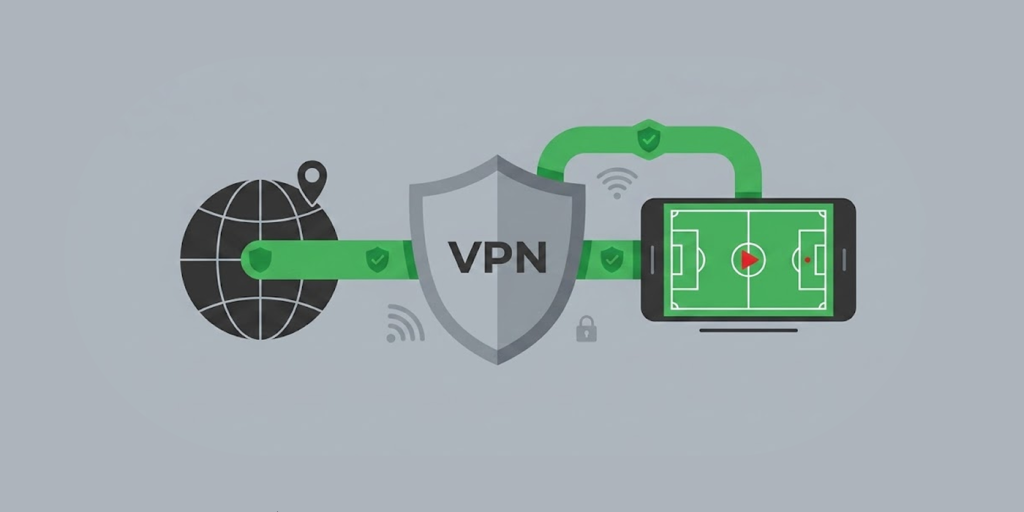
Trying to gain access to FIFA world cup 2026 live streaming via a VPN and it seems not going through; don’t bother yourself much. Streaming platforms have a feature known as geo-blocking systems that its duty is interfering with access of users.
Here are some of the best ways to handle issues you may face while watching the FIFA World Cup 2026 with a VPN.
- Switch to a different VPN and server: Is it encountering streaming blockage? You should try to reconnect with a different VPN and connect to a new server within your country of abode. Streaming platforms usually banned some IP addresses, as such changing to another server can give you a fresh working link to continue your streaming.
- Clear cookies and browser cache: Browsers often retain old location data and this can cause hitches on your browsing. It also affects smooth streaming activity. Clearing the cache and cookies helps in the resetting of your location’s signal so that the platform can detect your VPN location only.
- Use incognito or private mode: Surfing the internet with your private browser helps to prevent storing of cookies and interference from trackers while you watch the FIFA world cup 2026. Furthermore, private browsing also improves your chances of successful streaming.
- Try the website instead of the app: Many apps make use of GPS tracking and this tracking always overshadows VPN settings. It’s advisable to access the broadcaster website as it’s more reliable, especially when you are seeking for where to watch the world cup for free online.
- Check if the match is in the list of free packages: You need to check and confirm the schedules of the broadcasting networks to be sure that the matches are on the list of the games they are going to feature. The need for checking is simple, not all matches are available on every free broadcasting channel.
- Disable GPS and location permissions on mobile: Turning off location services on your device can help prevent apps from detecting your real location while using a VPN.
- Check for DNS or WebRTC leaks: DNS leaks are dangerous because they expose your real IP address to hackers. Before streaming, run a leak test. This helps ensure your VPN is protecting your internet connection.
- Updating your VPN app: VPN providers regularly release updates. These help bypass new streaming blocks. Keeping your apps updated helps ensure smooth live streaming of the FIFA World Cup 2026.
- Try another browser or device: You can fix most streaming issues for FIFA World Cup 2026 by switching your browser or device.
- Ensure to create your streaming account before using a VPN: To avoid issues while streaming the FIFA World Cup 2026, register on the platform in advance.
FAQs
Yes, but access is limited to select countries. Official broadcasters with rights may stream the FIFA World Cup 2026 on YouTube in some regions. An example is Brazil’s CazeTV.
In the US, most available streaming platforms like Fox and Telemundo are not free. However, some local over-the-air channels show a few free matches.
The United Kingdom and Australia are among the best options for free streaming of FIFA World Cup 2026 matches. You can access free FIFA World Cup coverage on BBC iPlayer, ITVX, and SBS platforms in supported regions.
Yes, you need a VPN. Most free streaming channels have geographic restrictions. A VPN can help bypass these restrictions from anywhere.
VPNs are legal in many countries. However, FIFA World Cup 2026 streaming platforms may have specific terms of use. On the contrary, accessing any content via VPN may go against the terms and conditions of few streaming platforms. The best option is to check your local platforms. This helps you understand the rules for accessing free World Cup 2026 streaming.